
Element Details
A: Element Details
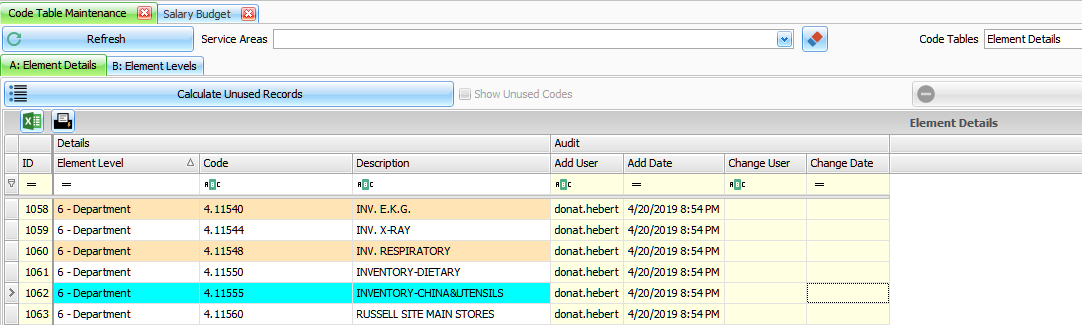
Element Level – select from list.
Code – Text to define code. Normally filled in by import from GL system.
Description – Text to define description. Normally filled in by import from GL system.
B: Element Levels
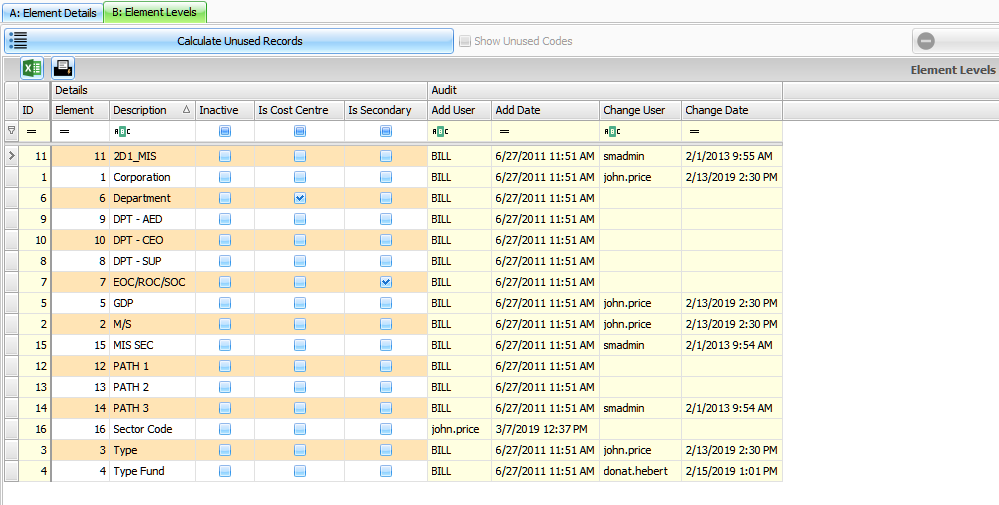
Element – Sequence assigned to designate Element to use.
Description – Text to define description
Inactive – check box if checked indicates inactive
Is Cost Centre – check box if checked indicates a Cost Centre level
Is Secondary – check box if checked indicates a Secondary Level
Reporting Trees – use Elements to create reporting tree structure for Cost Centre and Secondary. Link: Reporting Groups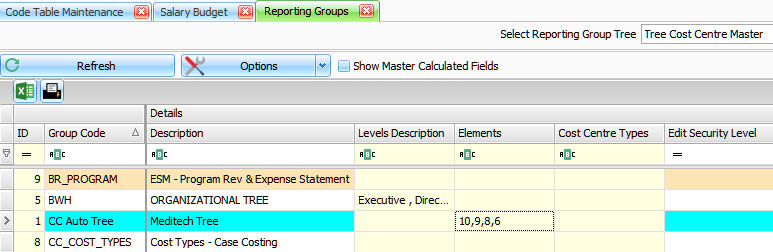
Search