
Statistics Management
**wss 1/23/23

View, Edit or Add Statistical data
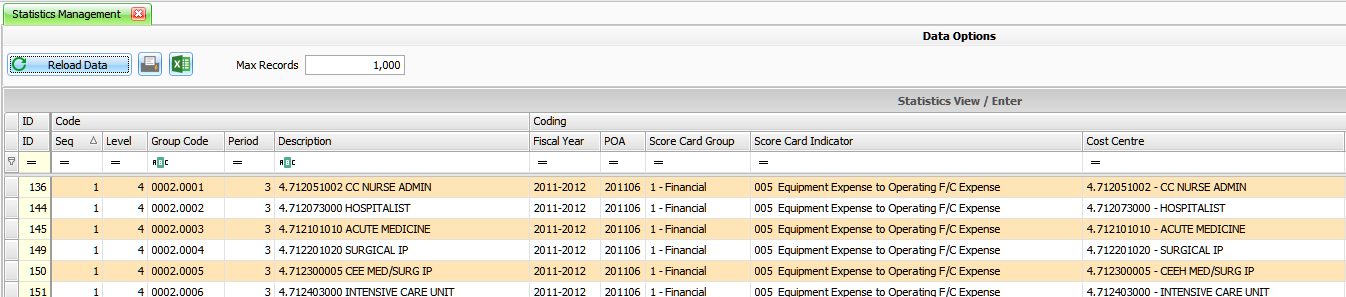
Typically, users access this screen to view data that is automatically stored from the score card module. Score Card Viewer Data is classified by code table entries along with generic areas to allow storing and classifying data for use within the ESM cubes. Filtering is accomplished by either entering a database range or using the grid filter drop downs.
Use the Database Base Filter when selecting records.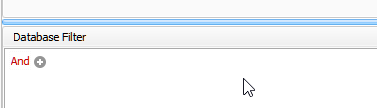
This screen can also be used to perform data entry for data that isn’t available in other areas that requires integration into the cubes. When performing entry, coding to various areas such as Statistic type, period type, scope, statistic level can all be used to uniquely identify your data for reporting use.

Reload Data – refreshes grid with latest data.

Update Stats – Utility to transfer Statistical Data to Scorecard Dashboard.